Scribe demo
How to Reserve a non-BI BioHPC machine
Made by Tyr Wiesner-Hanks with Scribe
1. Navigate to https://biohpc.cornell.edu//lab/projects.aspx
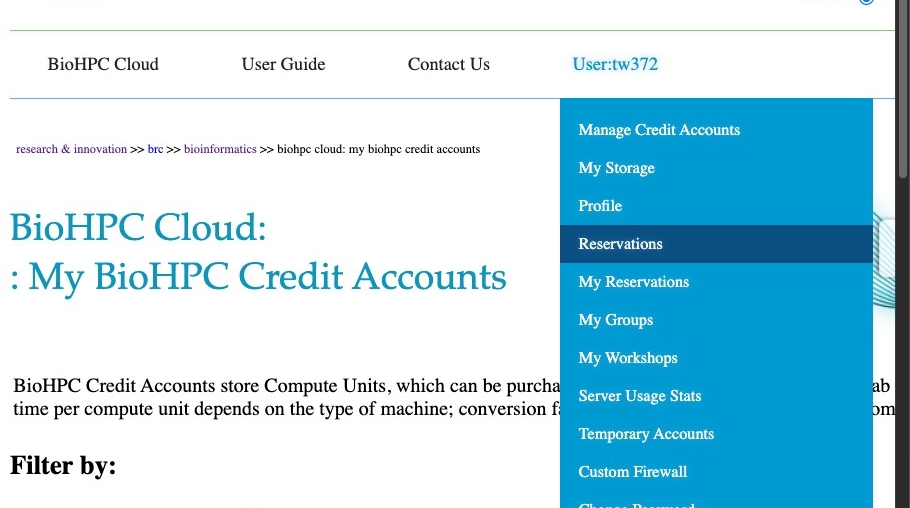
2. Click “Reservations”

3. Click the category of machine you’d like to reserve

4. Find a machine that is available at the day/time you’d like to reserve

5. Reservations are 24 hours by default. Click the date to adjust this.
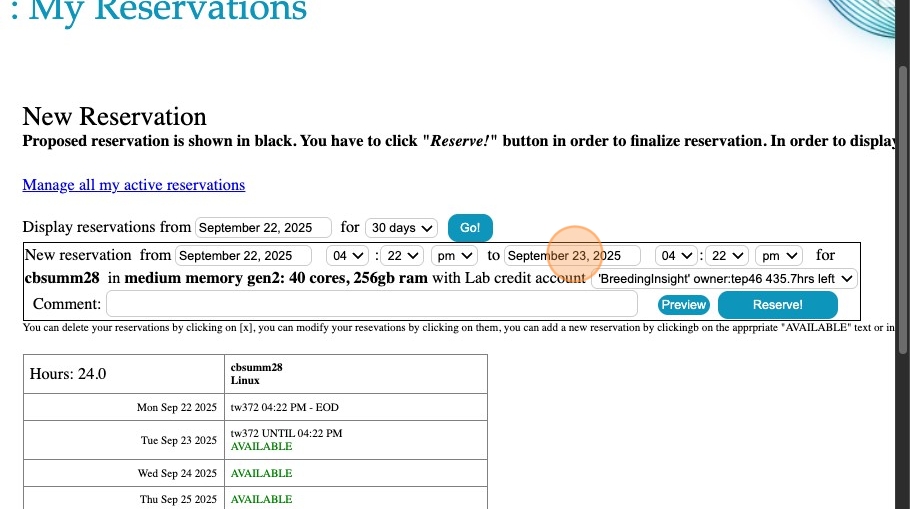
6. Edit the time as needed.

7. Hit Preview to update the date/time and double check it before submitting the Reservation.

8. You should see the BreedingInsight credit account here.

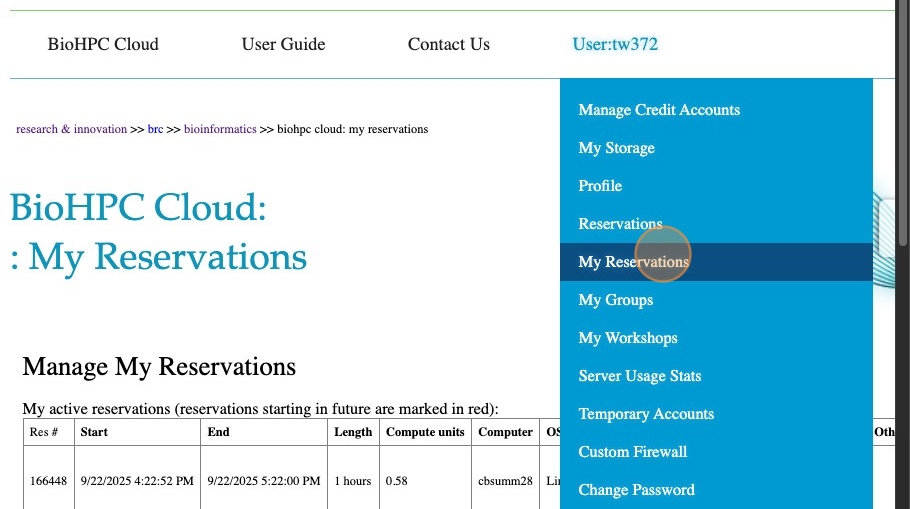
9. If the reservation goes through, you will be sent directly to the My Reservations page.

10. To get back to this page, hit “My Reservations” under your user tab